Virtual Instrumentation
A virtual instrument is a screen that behaves like a bench instrument. Knobs, meters and scopes are widgets bound to channels or variables in the MatDeck document. Virtument is MatDeck's panel for that job: place the widgets, connect them, and the panel updates while the document runs.
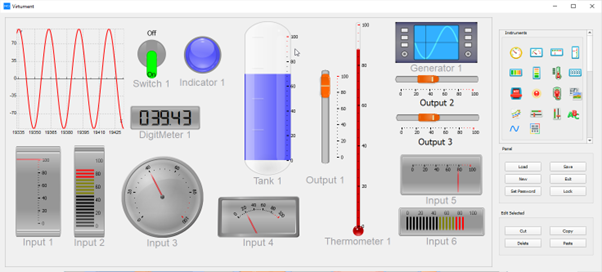
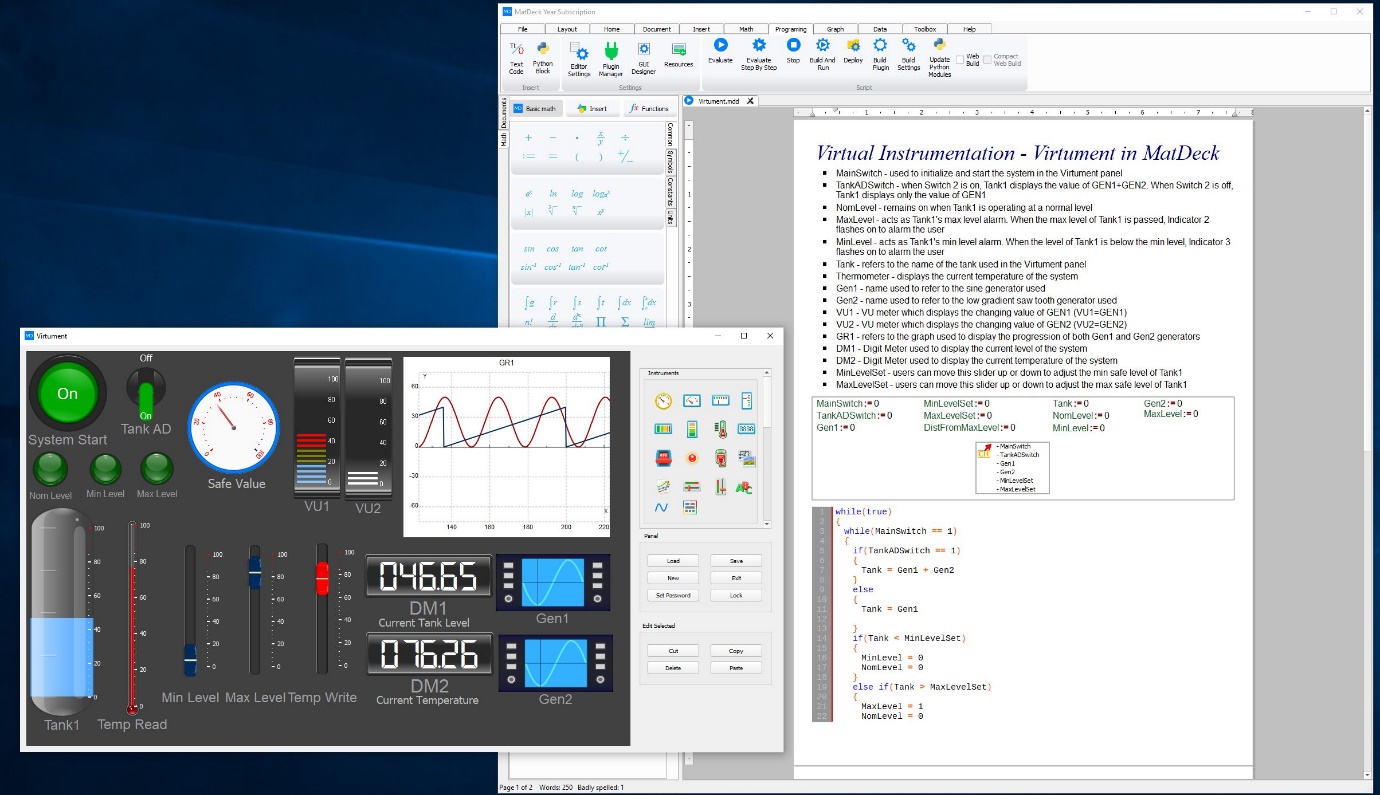
The 12 products cover the panel builder, scopes, meters, knobs, waveform and spectrum views, layout, alarms, trends, skins, a multi-channel scope and a packager. They are the same widgets described on the LabDeck virtual instrumentation pages, split so you can take the part you need.
A control writes back into the document. A meter only reads. Both use the channel name, so renaming a channel is a single change rather than a hunt through drawing code.
Products in this group (12)
- Instrument Panel Builder — Place meters, scopes and controls on a virtual instrument panel.
- Oscilloscope Widgets — Time-domain scopes with cursors, trigger and persistence.
- Meter and Gauge Library — Analog meters, bar gauges and digital readouts for live values.
- Knob and Slider Controls — Operator controls that write set-points back to the document.
- Waveform Display Toolkit — Multi-trace waveform views with a shared time axis.
- Spectrum Display Widget — Live magnitude spectra beside the time waveform.
- Panel Layout Designer — Align, group and lock widgets into a repeatable instrument face.
- Alarm Indicator Set — Lamps, banners and colour rules for out-of-range readings.
- Historical Trend Viewer — Scroll recorded channels on the same panel as the live values.
- Instrument Skin Editor — Colours, fonts and bezels for a consistent instrument look.
- Multi-channel Scope Panel — One panel that watches many channels at once.
- Panel Deployment Pack — Package a finished virtual instrument as a standalone panel.